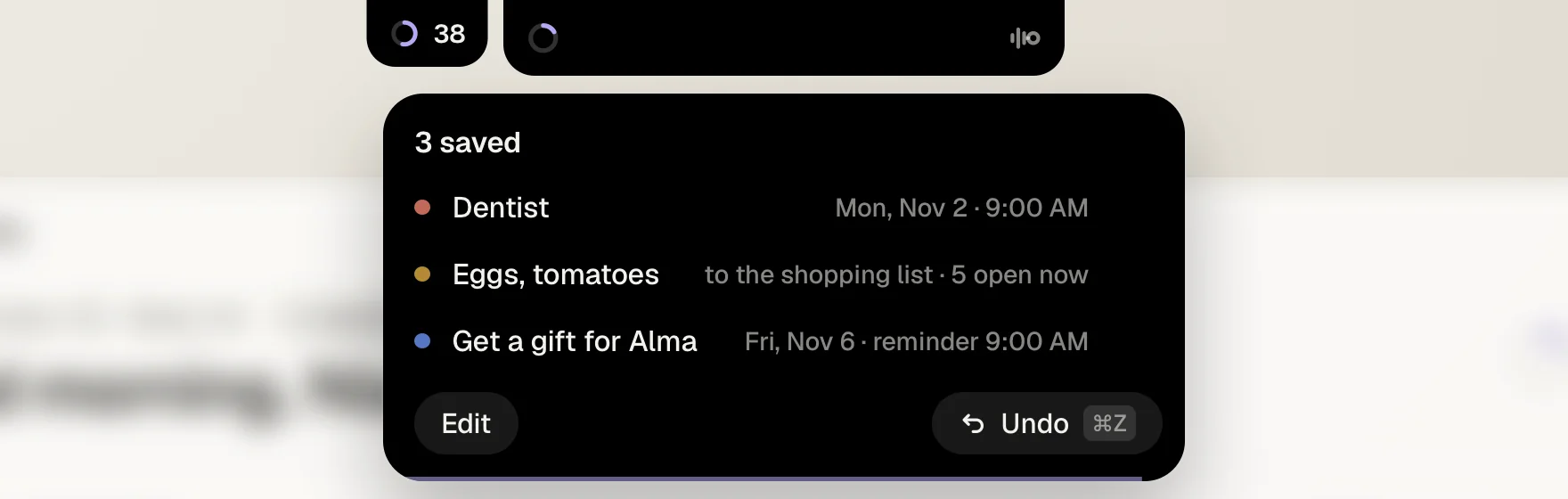
You see what it understood.
The moment you let go, a small card drops out of the notch. Each entry lands in it as it’s saved, with its day and time, and the count goes up. Rest your pointer on it and it waits.
You sayInvestor call Thursday at ten, send Lea the deck by Wednesday, and pay Studio Lumen on the 12th.
14 days of Pro free, no card. Then €15 a month. Pricing
A dentist appointment, oat milk for tomorrow’s coffee, a call to make. Typed in, that’s three apps and thirteen steps. Said, it’s one sentence, and the document you’re working on never leaves the screen.
13 steps through 3 appsorone sentence.
Dictation gives you a line of text. Note Way gives you a sorted day. It hears corrections, reads dates the way you say them and adds to what you already keep.
You say“Dentist Monday at nine, no, at ten.”
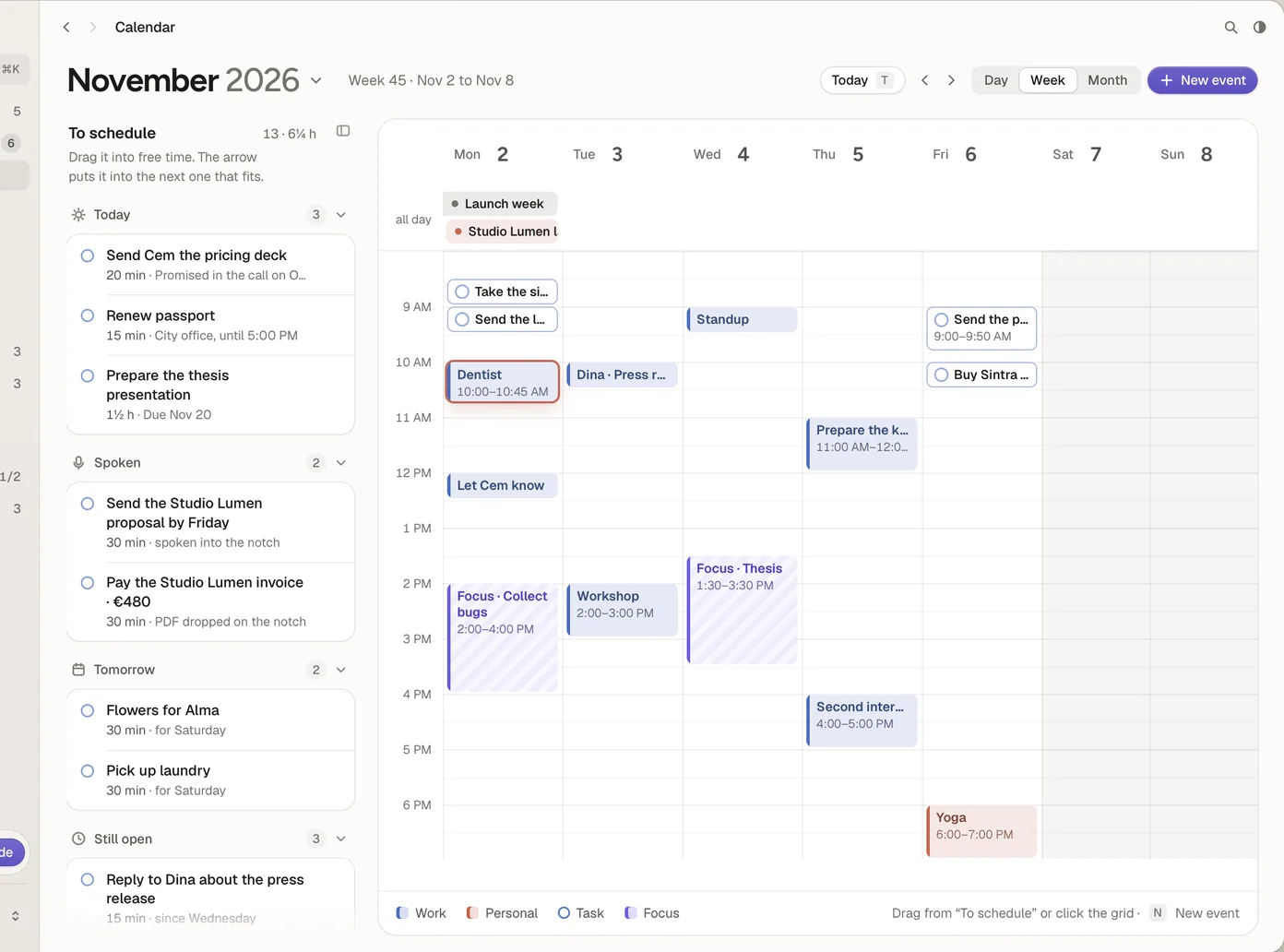
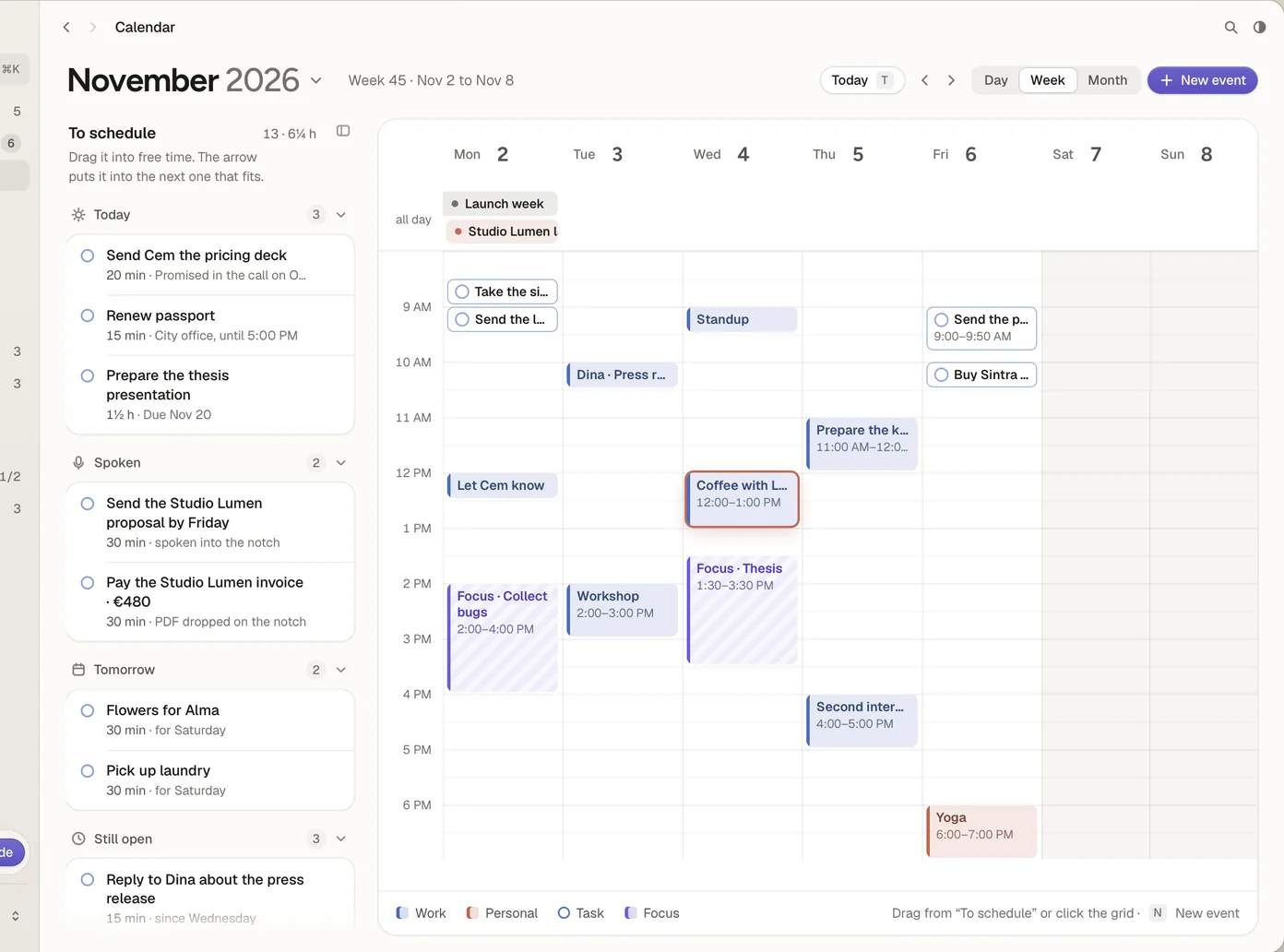
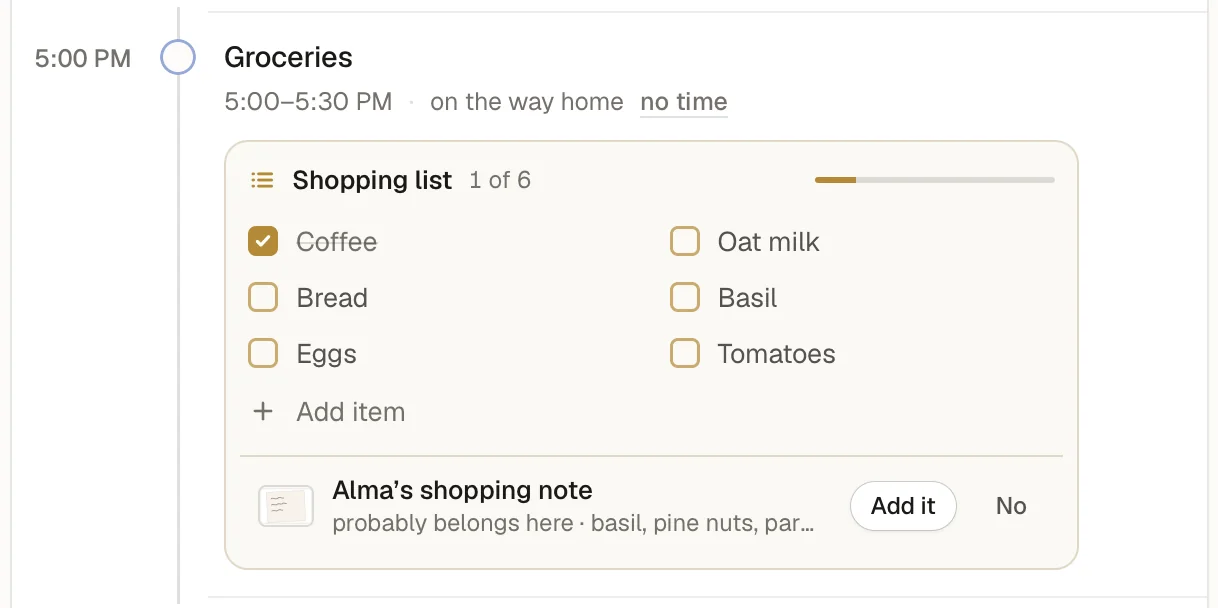
Hold ⌥ Space wherever you are, say it, let go. Note Way files it and shows what it understood right below the camera. Your window doesn’t move an inch.
Try it right here. Pick a sentence and watch the notch at the top of this page.
No notch on your Mac? Note Way sits as a small pill at the top of the screen, and you can drag it wherever you like. Two screens? It follows your pointer.
Press ⇧ ⌘ 2 and drag over anything on your screen. The picture waits beside the notch. Hold ⌥ Space and say what it’s for, like “Pay Studio Lumen at four.” The card says it’s saved for 4 PM today, with the snapshot attached.
Say nothing, and it goes to your Inbox.
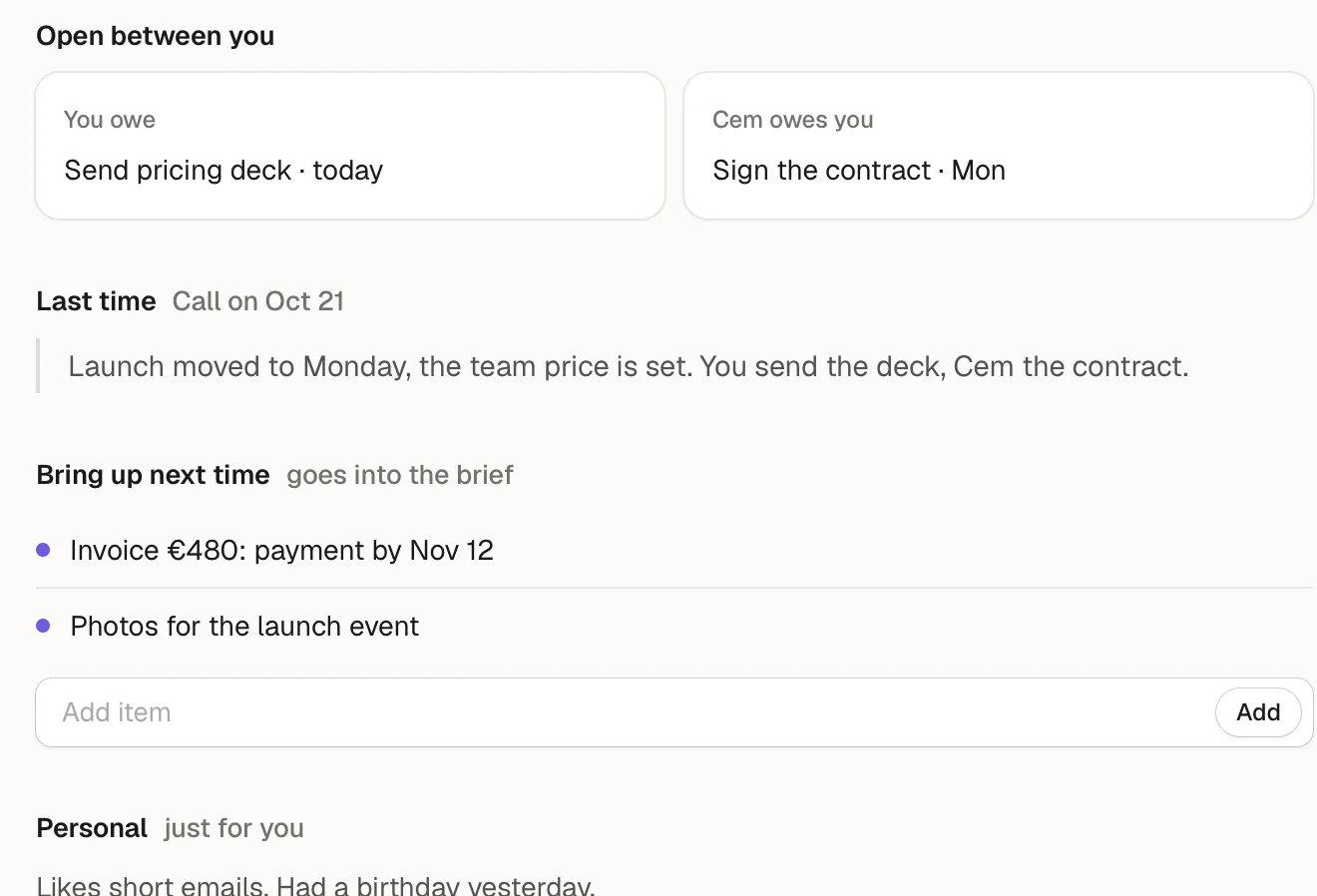
What you owe Cem, what Cem owes you, what you agreed last time: the brief on the meeting’s page. A minute before, the call knocks on the notch with it. Nothing imported, nothing sent.
Meet People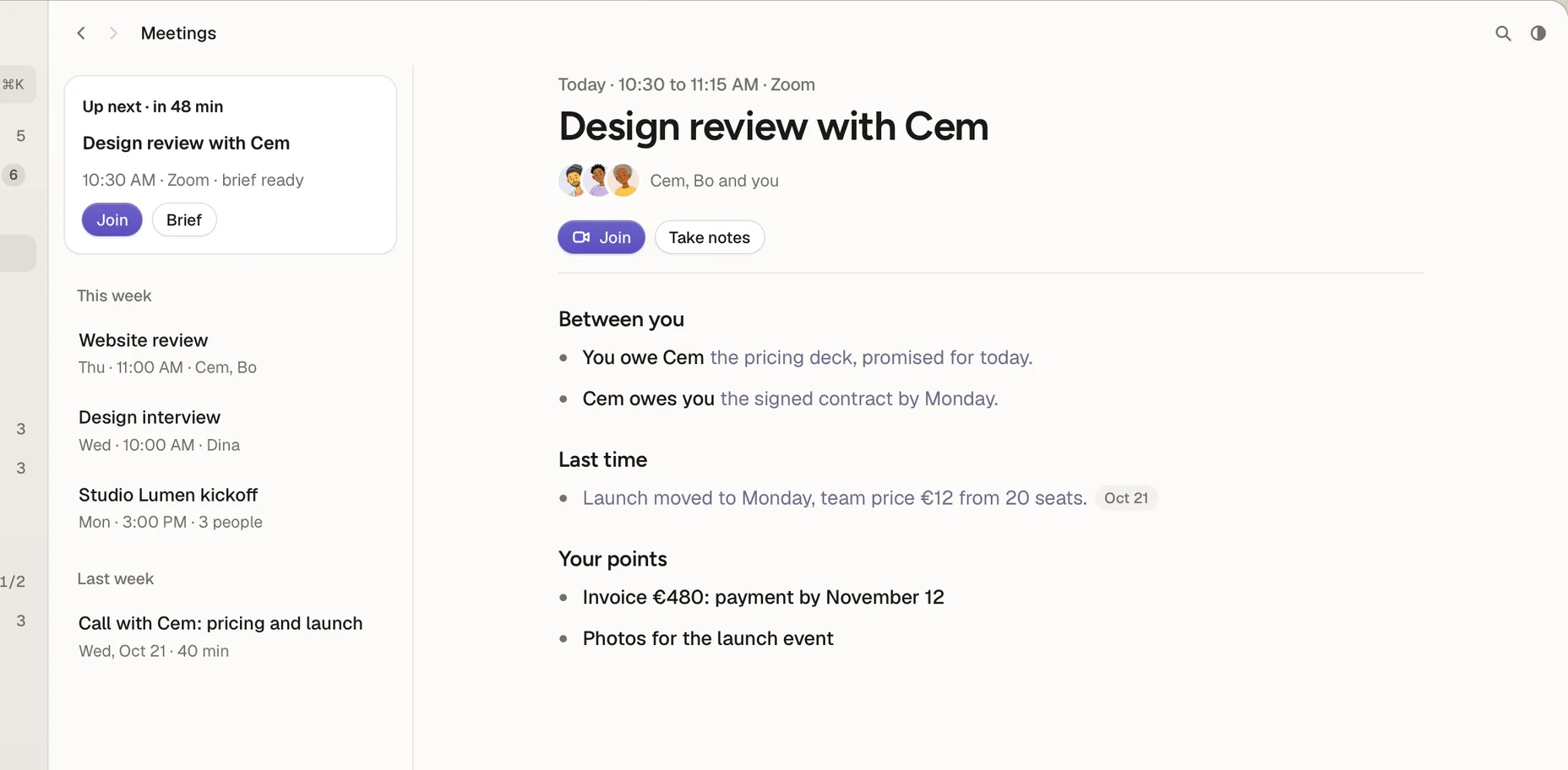
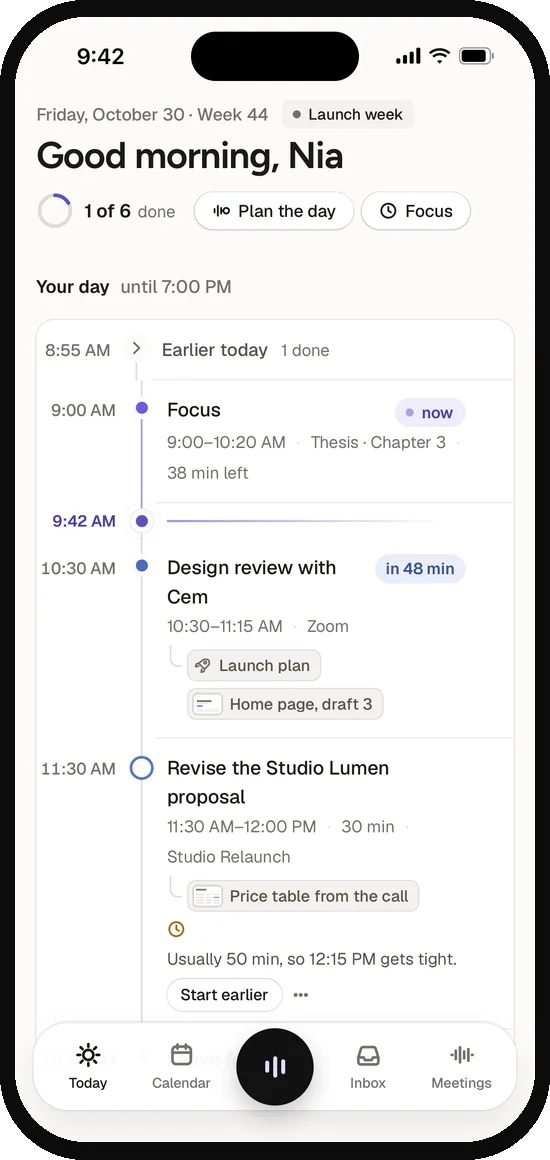
Today shows what’s next, where you’re free and what has no time yet. Drag a task into a gap and it snaps to the quarter hour.
Connects with Apple Calendar, Reminders, Google Calendar, Outlook, Slack and your mail.
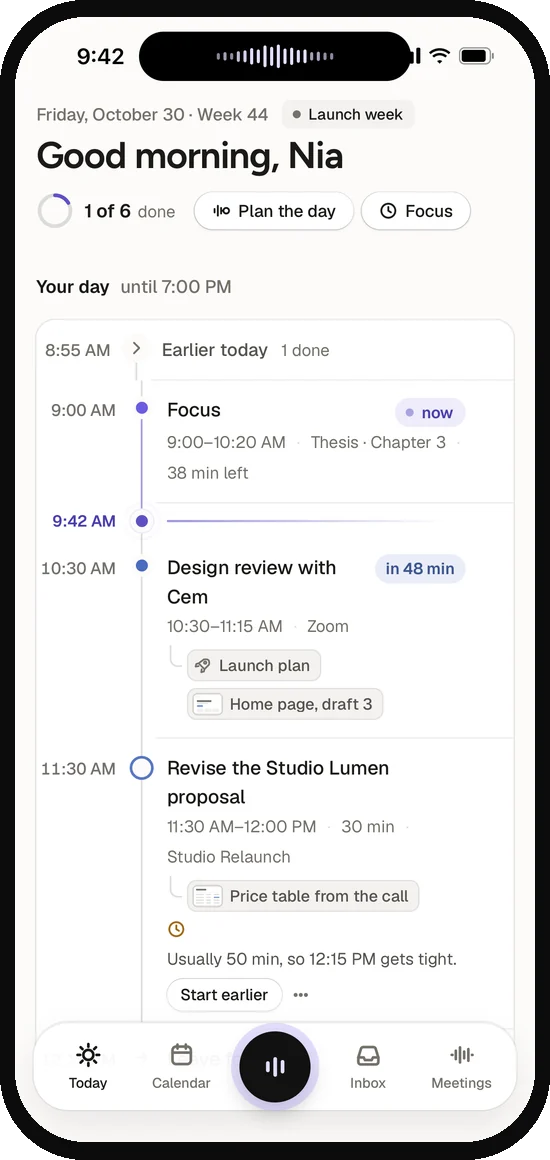
Coming soon to iPhone: hold the dot in the middle of the tab bar and talk. The Dynamic Island shows only your voice as a wave, just like the notch. Let go, and the entry lands on its line in Today. No signal? Note Way keeps what you said and files it the moment you’re back online.
You see what Note Way did, you can undo any of it, and what you said stays yours.
The moment you let go, a small card drops out of the notch. Each entry lands in it as it’s saved, with its day and time, and the count goes up. Rest your pointer on it and it waits.
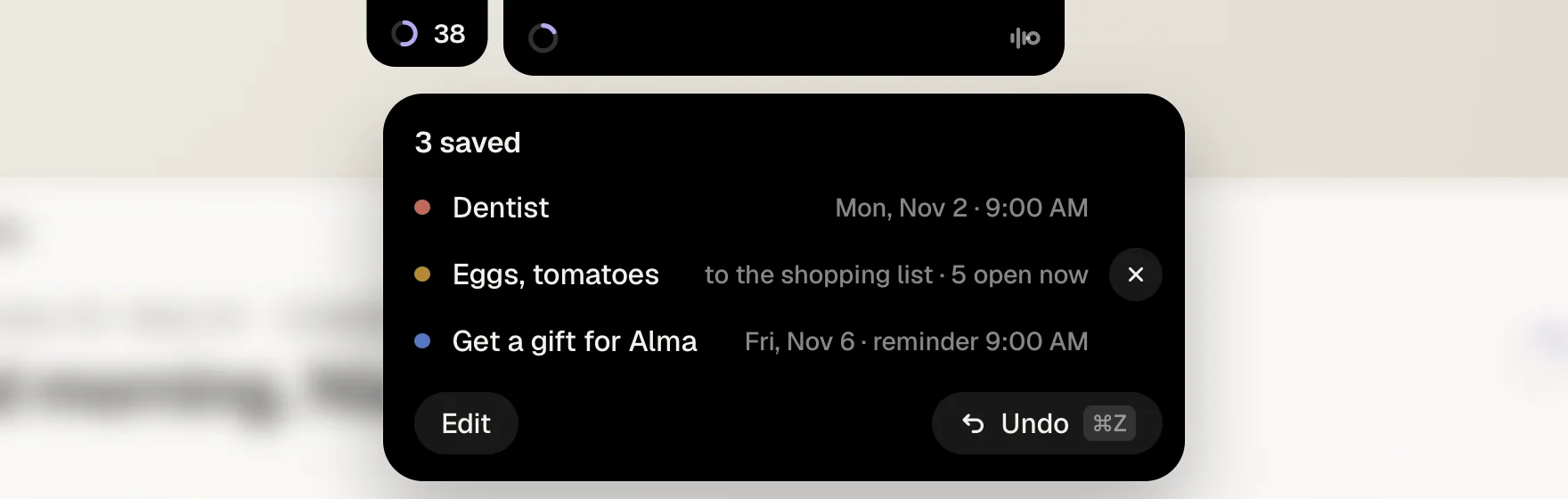
Every row in the card has its ✕ to take back just that one, and ⌘ Z takes back all of it. Under “Said” in your Library is every sentence you ever gave Note Way, with what became of it. Undo it, even days later.
Bo says “Nia should test the redirects by Monday.” It knocks on Nia’s notch as a capsule, with the why and the file. Her ⏎ puts it in her day, and Bo knows.
See how Team worksNew in 1.0.8 · €19 a month per person
The call knocks on the notch a minute before, Note Way writes along while you talk and, when you hang up, files what was agreed. Your to‑dos go to Today, what others owe you to Promises. No bot joins.
See how Calls workZoomGoogle MeetTeamsWebexSlackFaceTime
No. “Uh” and “um” get dropped, and when you correct yourself (“at nine, no, at ten”), the correction wins. While you talk, the notch shows only a wave. The moment you let go, a small card under it shows what Note Way understood.
Take back one row with its ✕, or all of it with ⌘Z, right in the card. Edit opens it to change. Under “Said” you can undo any single sentence, even days later. Rather check each entry first? In Settings → Control, set “Create entries” to “Suggest”.
Yes. On the Mac you type into the line at the bottom of Today. In the iPhone app, coming soon, you tap the dot; holding it means talk.
In meeting apps like Zoom, Meet and Teams it starts writing along once you’ve said yes to that. In messengers it asks first. Audio is deleted once it’s transcribed; only the text stays. While you share your screen, the companion is hidden.
Only with your yes. Without it, Note Way sorts nothing and nothing goes to OpenAI: what you type or say is saved at once, as it is, unsorted in the Inbox. If the AI doesn’t answer, your words wait safely and get sorted once it’s back, instead of being guessed at.
From what you say and your calls, nothing else. Your calendar says who a meeting is with. Note Way doesn’t read your mail or upload your contacts, and a follow-up is only ever copied, never sent. See People
Yes. Your account carries your plan and keeps your devices in sync in real time. Sign in with Apple, Google or your email.
Download Note Way for your Mac. The iPhone app is coming soon. Your first 14 days of Pro are free, no card needed.
Then €15 a month or €144 a year. Cancel anytime. See pricing